Monday, October 22, 2012

Halloween Memory Game

The little ones in my family have always loved playing memory card games so I created one using my Cricut.


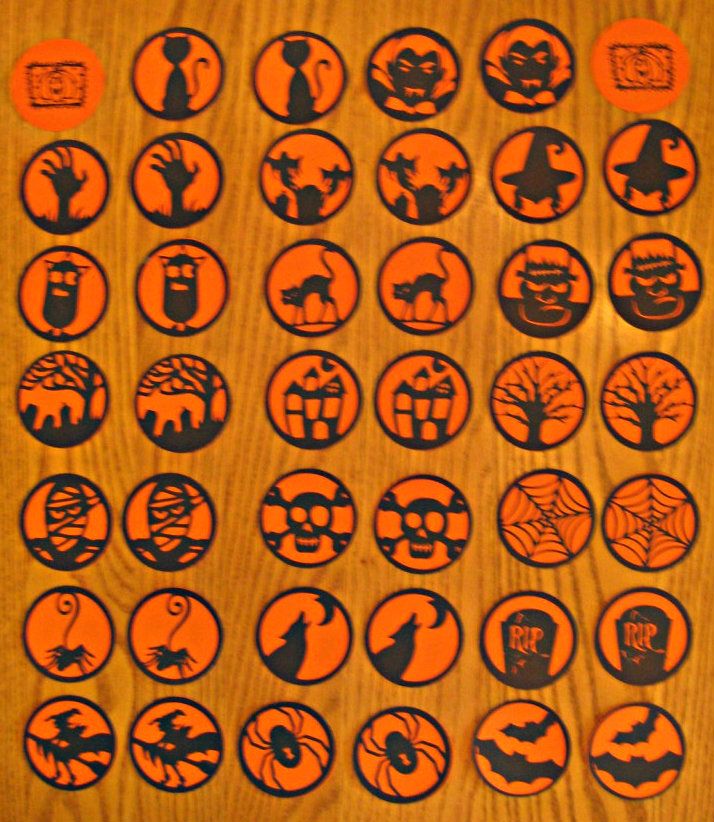
I used 8 1/2 x 11 inch orange and black card stock.  Circles were cut at 2 1/2 inches so I could fit 12 circles per sheet.
 
From the black card stock, using the Pumpkin Carving cartridge, I cut two of every circle image on the cart.  There are 20 circle images.
 
From the orange card stock, using George and Basic Shapes cartridge, I cut 40 - 2 1/2 inch circles.
 
On the orange circle fronts, I stamped a pumpkin image.  You can see the front of the cards in the upper right and left of the photo.
 
I ran the black image cuts through my Xyron and adhered to the backs of the orange circles.
 
To play:
 
Turn all cards stamped image side up.  (I typically let the kids do this.)  Players take turns flipping over two cards.  If it is a match, they keep the set.  Play continues until all cards have been matched.  Player with the most sets wins.


Sunday, September 30, 2012

Cricut FANatics Sketch Challenge #1

Here is the September Sketch Challenge on the Cricut FANatics blog from Amy of Amy's Digi Scraps.


The challenge is to create a card or layout using the above sketch and you must use your Cricut.

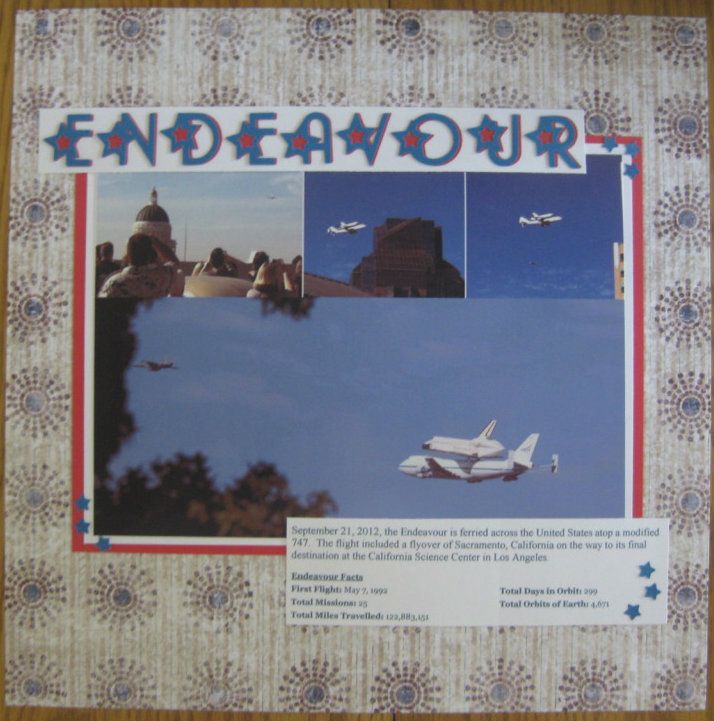
I was one of the fortunate Americans that got to see the Endeavour as it was ferried to its California destination.  This sketch was perfect for photos of the Endeavour as it flew over Sacramento.


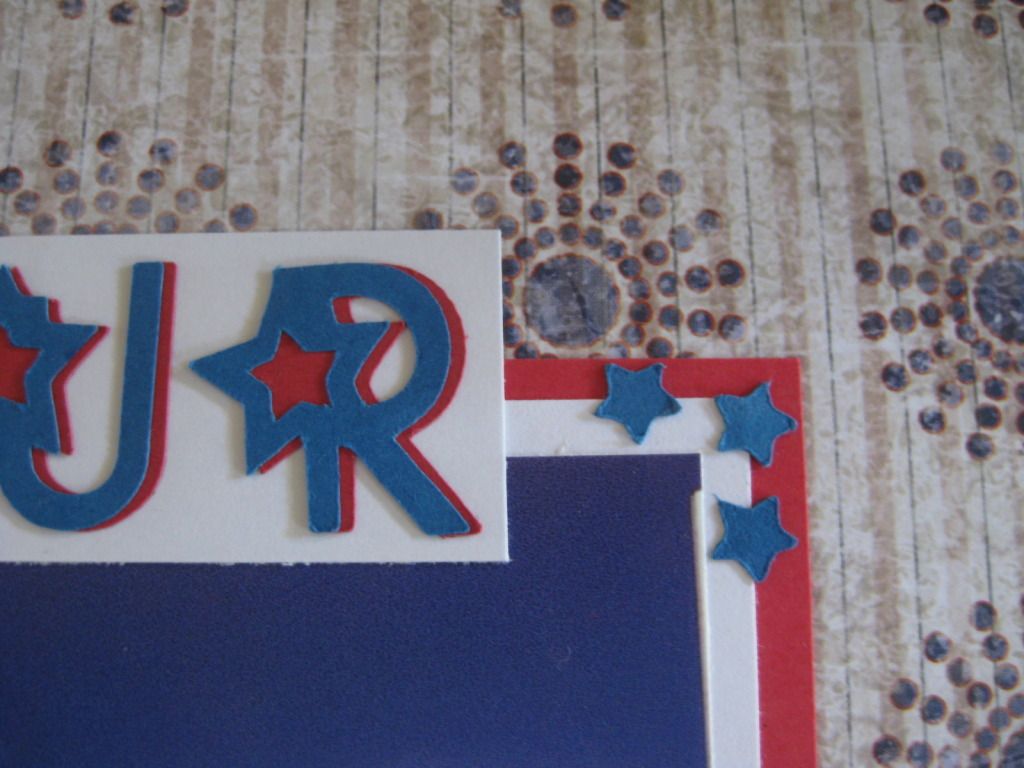
The title was cut at 1" from the Hannah Montana cart using the Rock Star font.  The font does not have a shadow but more of a blackout feature that blacks out the star in the font.  To get a shadow effect I offset the letters slightly so the star was still covered but there was a little bit of color to the right of the letter.


I also used the stars that were cut from the letters as corner highlights for the picture and journaling. 

Thursday, September 27, 2012

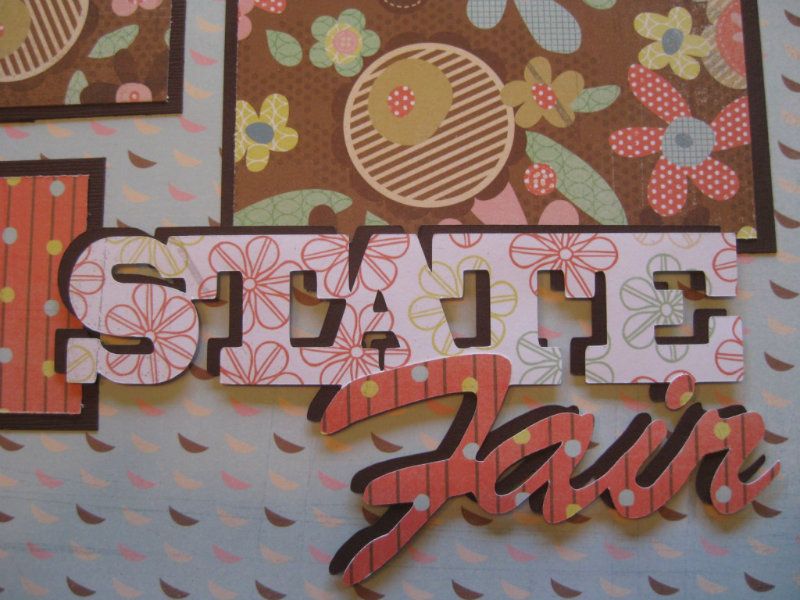
State Fair Layout

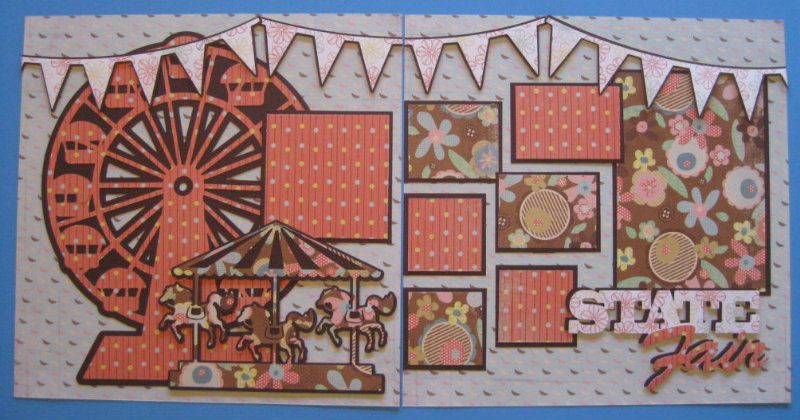
Some of the fun memories of summer include going to an amusement park, carnival or fair. Today I have a layout to share with you that I designed for the Cricut FANatics blog.


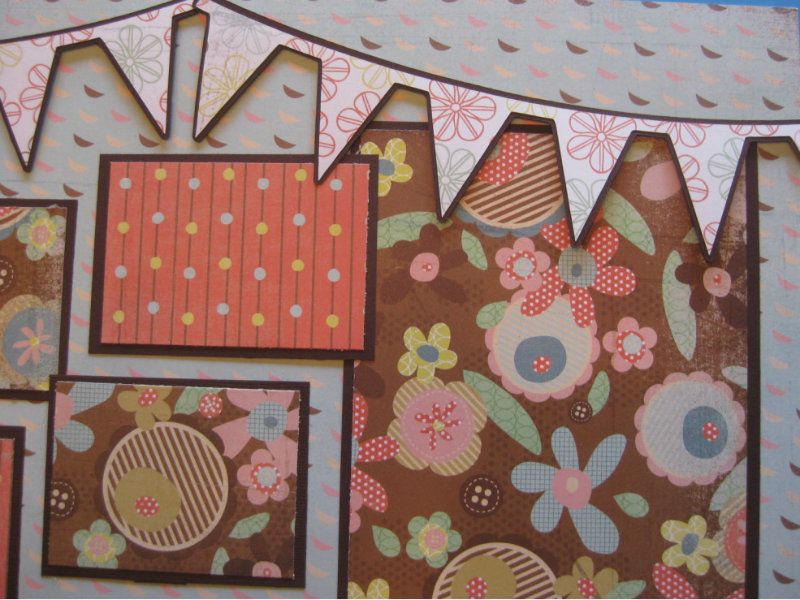
For this layout I used sheets of solid card stock and three different coordinating patterned papers. Cuts are from the Carousel cartridge as follows: Ferris Wheel (Ride5) 10.5 inches; Merry-go-round (Ride4) 5 inches; "State Fair" 3 inches cut in pattern paper and solid; and three Banners 3.5 inches. Photo mats are cut to fit the photos I selected for the layout.

Merry-go-round, banners and title are secured with dimensional tape to add some depth.


The title does not have a shadow cut so I cut the base cut from the solid to create the shadow and off set the pattern cut to make it stand out.


Check out the Carousel cartridge, it has a lot of great cuts for your amusement park, carnival, fair and even circus photos. Happy scrapping!

Thursday, June 28, 2012

Cricut Circle June Monthly Challenge: A Gift for Baby

The challenge:  Create a gift for baby using Cricut products

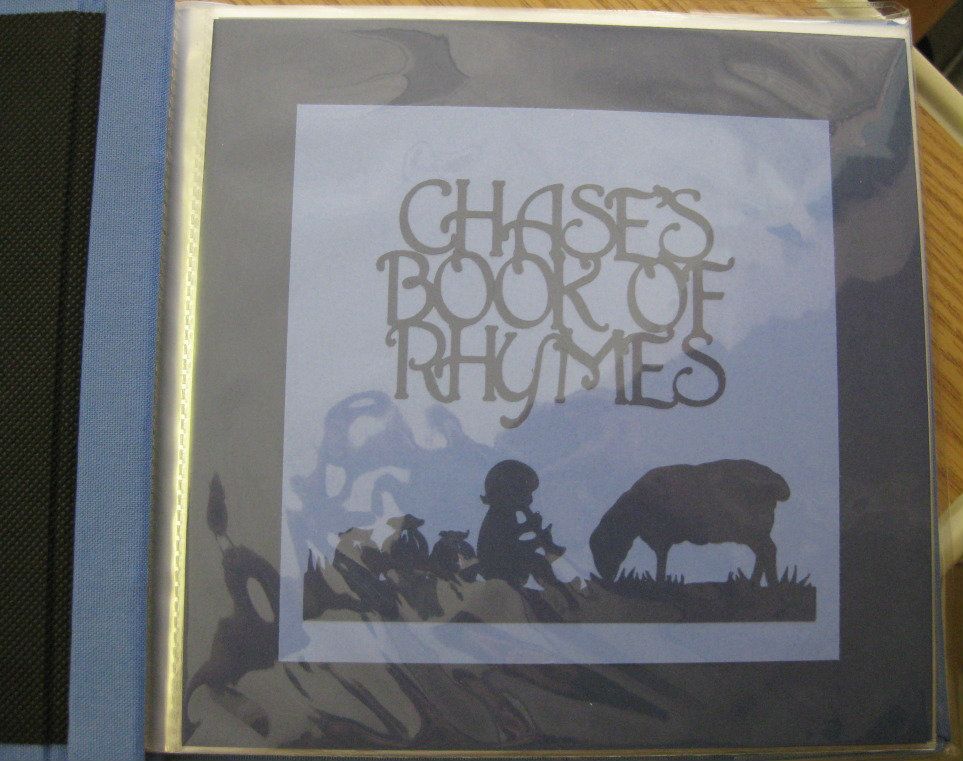
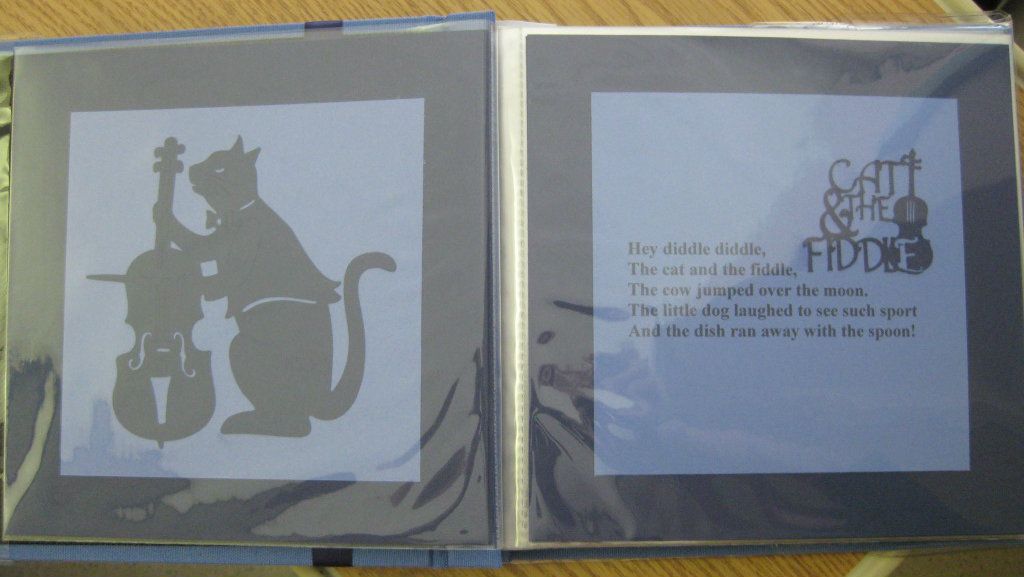
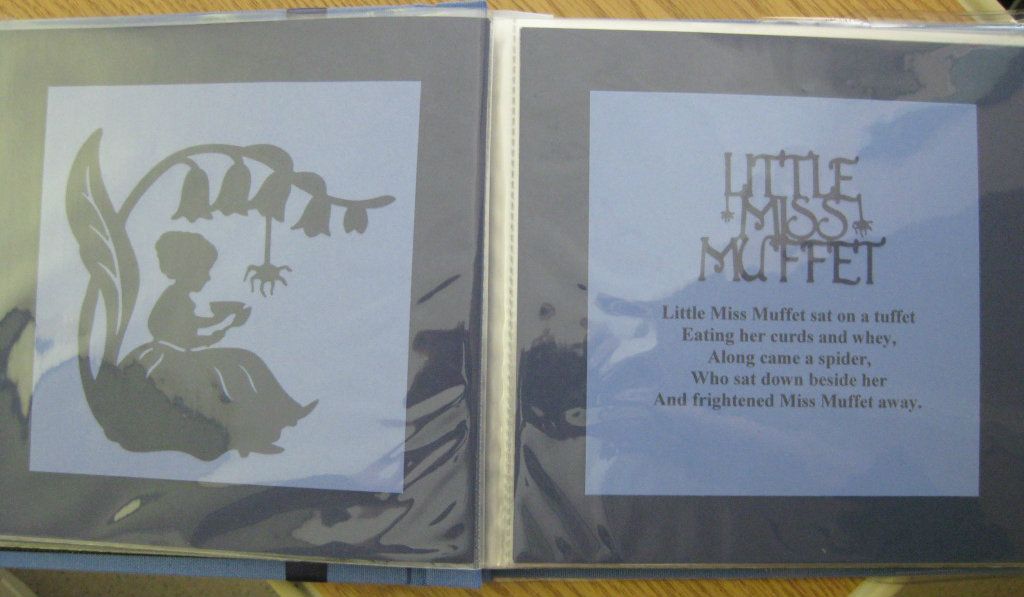
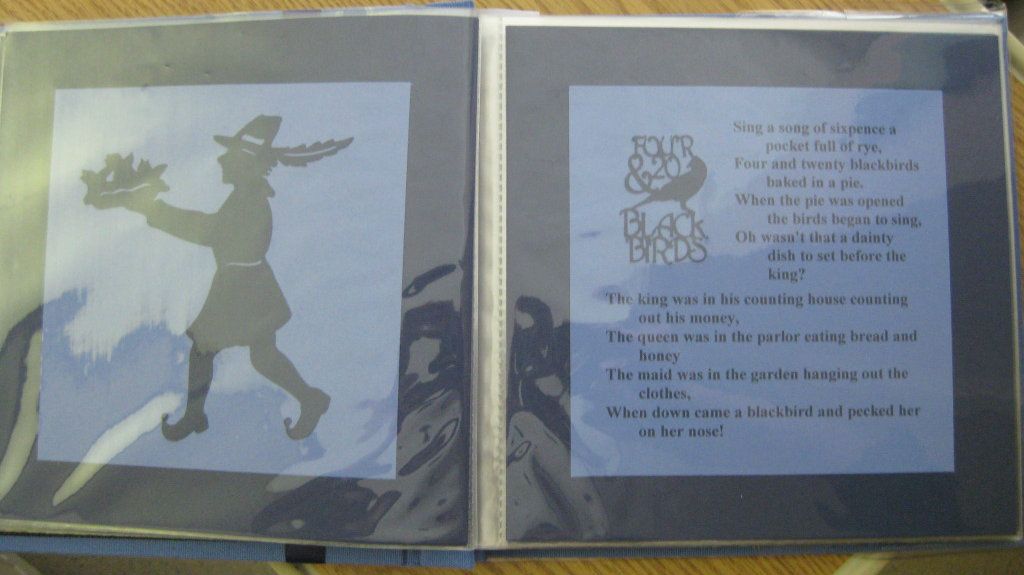
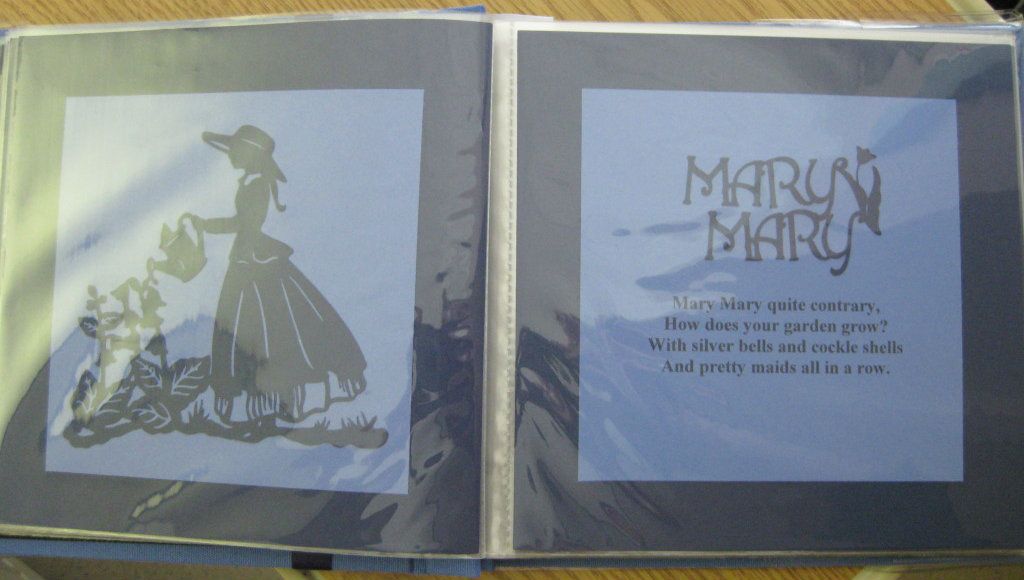
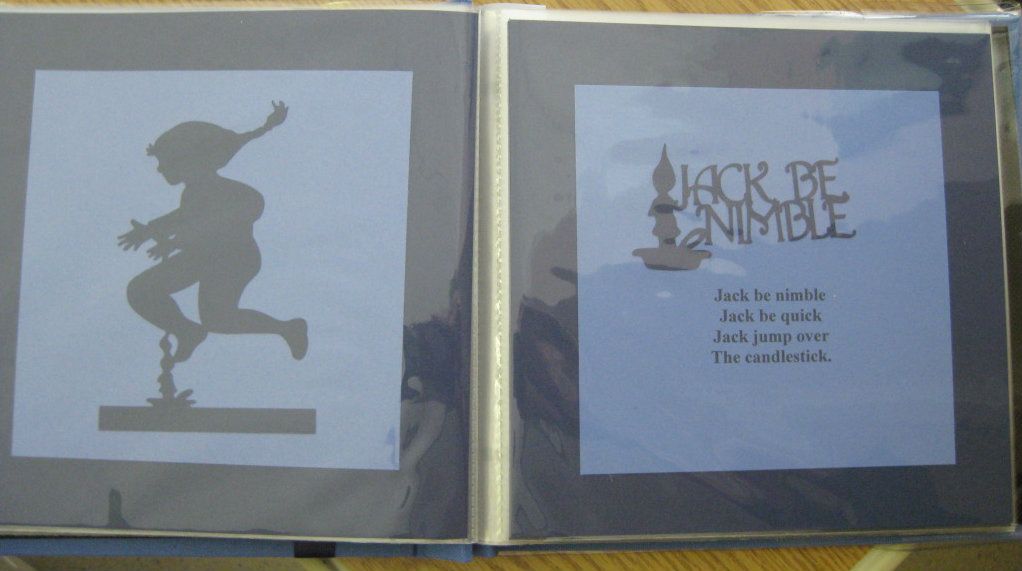
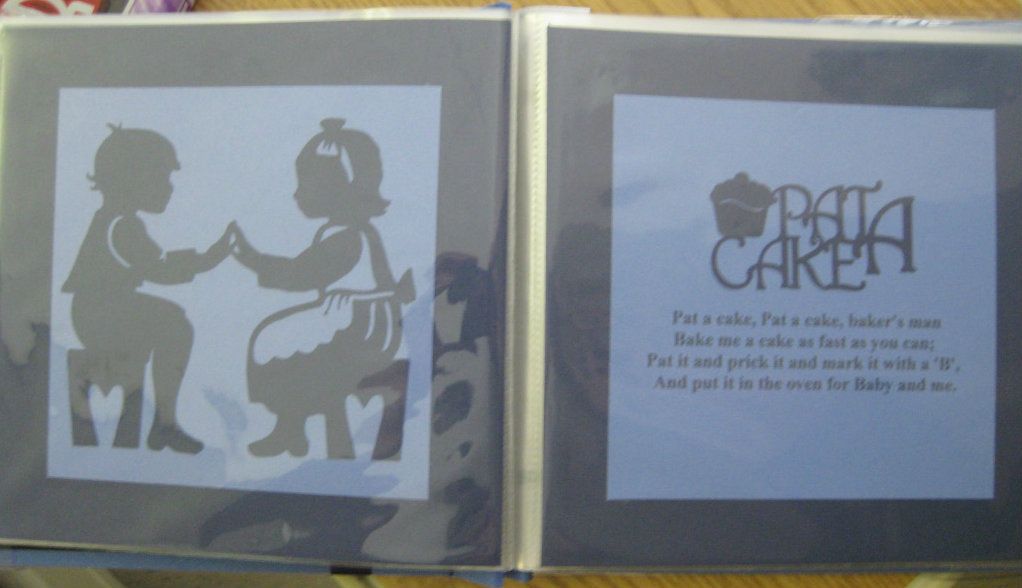
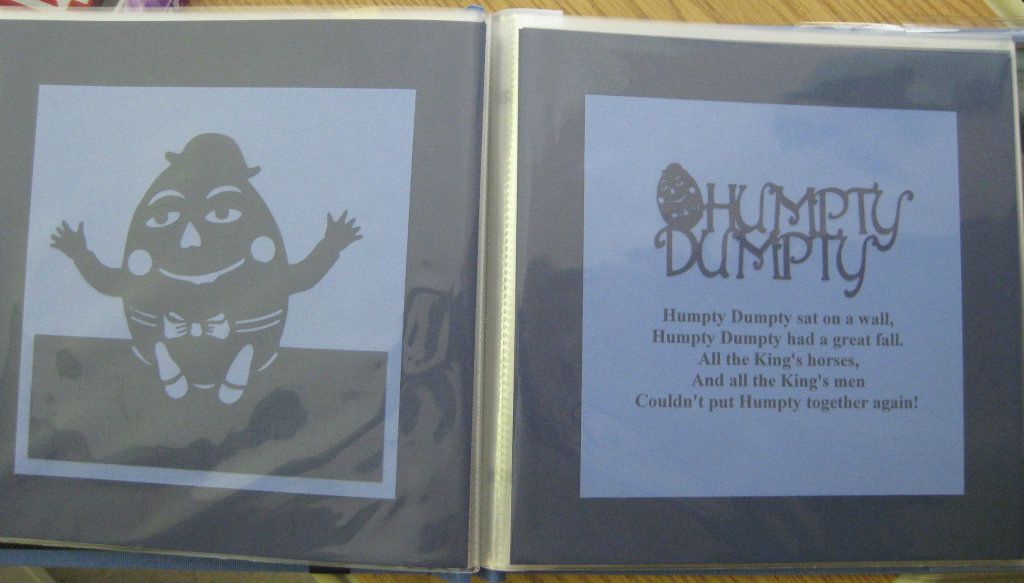
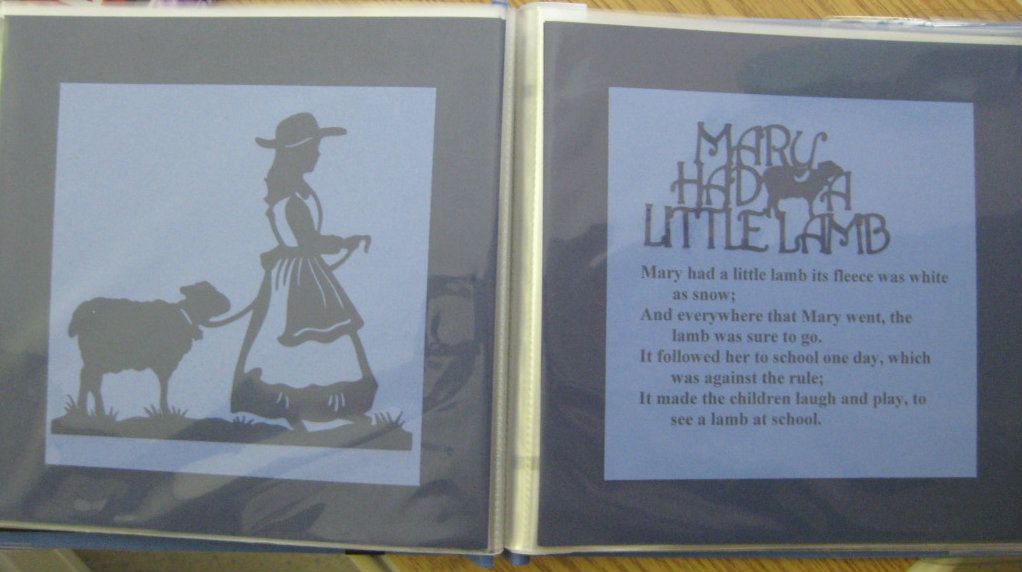
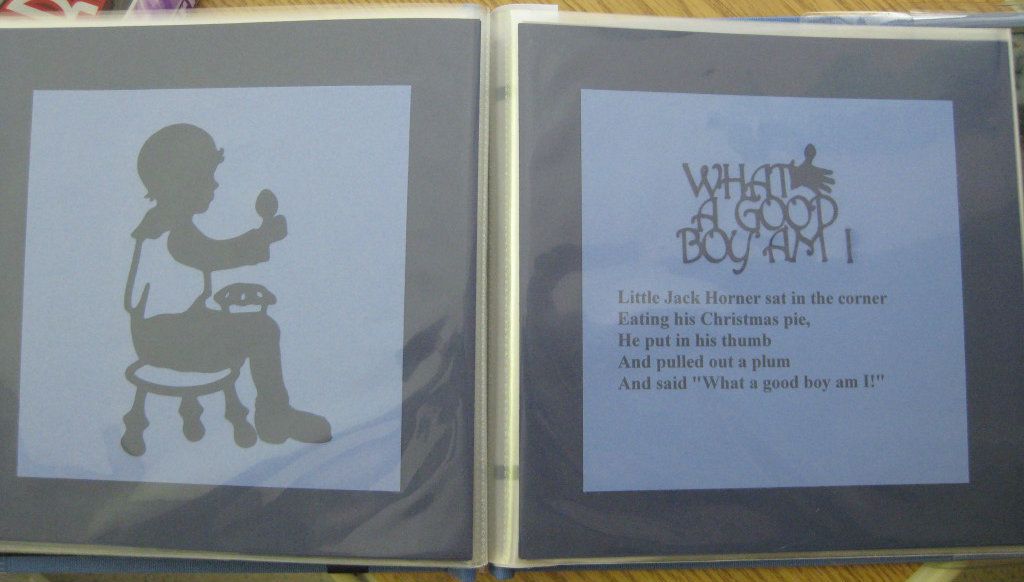
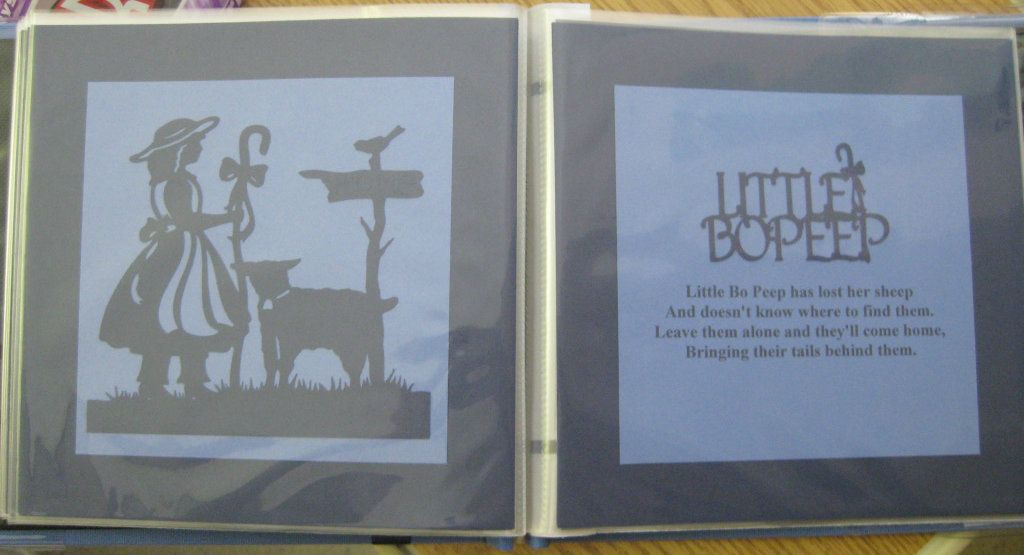
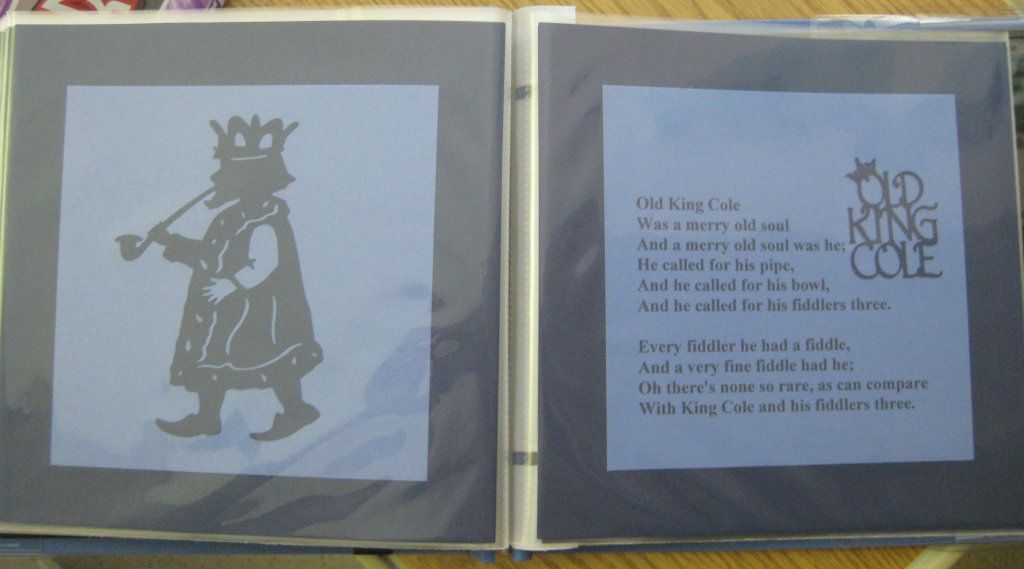
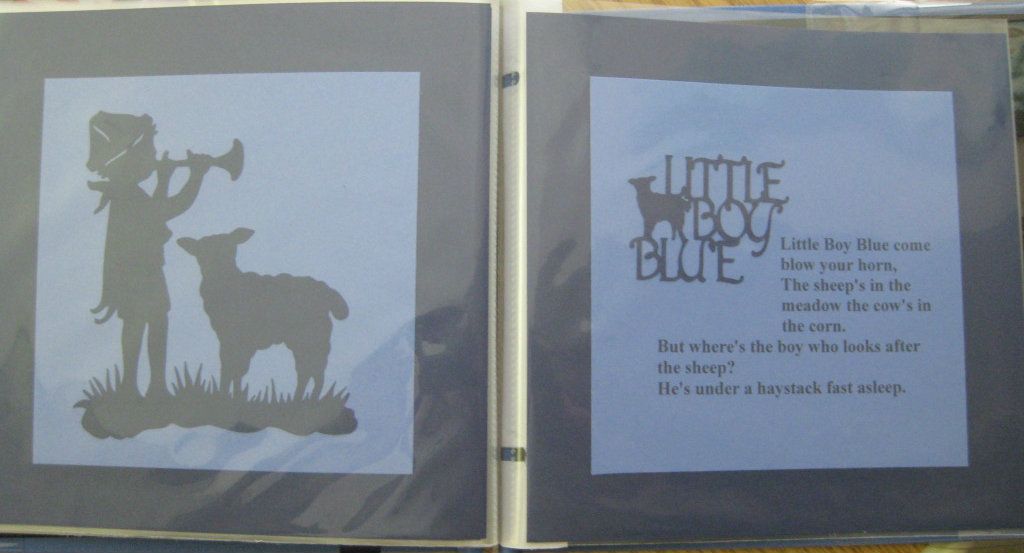
I created an "Auntie Rita's version" nursery rhymn book for my newest nephew. I used an 8" scrapbook album. The grey background is 6" square. The cuts are from the Nusery Rhymn cart. The silhouettes and titles cut through Design Studio so that I could stretch the cuts to fit my needs.

Sorry, the pictures are not the best. I didn't have time to take pictures before I gave him the book so I had to take them at the hospital.


Monday, January 30, 2012

Cricut Circle January Monthly Challenge: The Year in Review

The Challenge: Create a scrapbook page or mini album reviewing the year 2011. What was memorable about the year overall? Or maybe you want to summarize the events that happened each month in your life. Whatever your approace, use your Cricut machines to tell your 2011 story.
Rules and Guidelines: Circle Blog Challenges are open to Cricut Circle Members only. Your project must be newly created for this challenge and include atleast 2 Cricut Image Cuts. You must submit a project to be entered into the Challenge Prize Drawing.

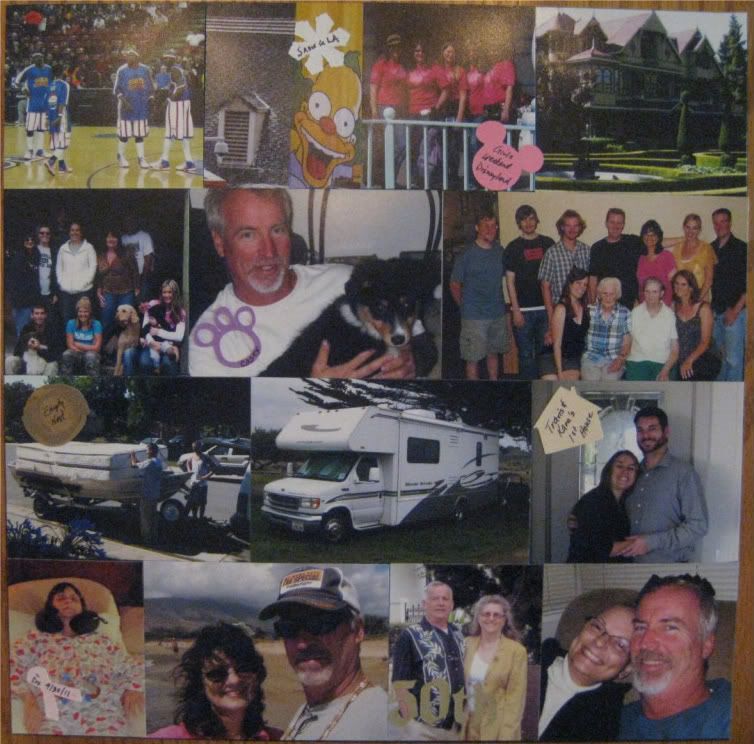
It's been a little while since I've been able to participate in a Circle challenge and what better way to jump back in than with this challenge.  The best way to describe 2011 is bitter sweet.  I finally got to see the Harlem Globe Trotters; we vacationed in Southern California; lost Kodiak our beloved furbaby, adopted Casey a few months later; spent a lot of time this year with family; we upgraded to an RV; Travis and Kara purchased their first home; I was diagnosed with breast cancer; we went to Hawaii; and Russ' parents celebrated their 50th anniversary.  I created this collage layout highlighting our year.


All cricut cuts were cut at 1 inch.  Cricut cartridges used:  Blackletter - 50th; Give a Hoot - Nest; Kate's ABC's - House; Mickey & Friends - Mickey ears; Paper Pups - Paw; Pink Journey - Ribbon; Winter Lace - Snowflake

Sunday, August 7, 2011

Cricut Circle August Monthly Challenge: Create a Scene

"There are so many fun Cricut cuts available on our cartridges including trees, buildings, backgrounds, flowers and more! For this next challenge, we want to see you utilize these cuts by creating a scene on your project.

The Challenge: Create a project of your choice utilizing your Cricut Cut Images to create a scene! (You are not required to use it, but your latest Circle Exclusive cartridge, Pop-Up Neighborhood, has tons of great images for building a scene!) Your project must include atleast 2 different Cricut Image Cuts.

Rules and Guidelines: Circle Blog Challenges are open to Cricut Circle Members only. You can create any type of project you would like (tag, altered project, mini album, etc.) but your project must be newly created for this challenge and include atleast 2 Cricut Image Cuts."

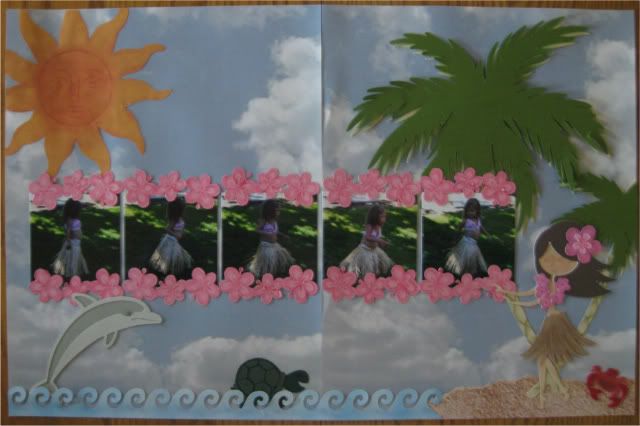
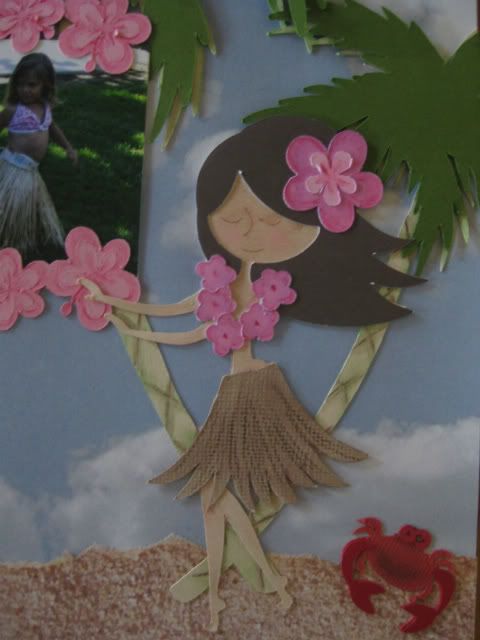
In 2006 at my sister's 40th birthday party, my then 2 year old niece performed her version of the hula.  I chose Life's a Beach to create a scene to scrap these adorable pictures.


Cricut cuts:  Palm trees - 10", Sun - 5", Hula girl - 5", Dolphin - 3", Turtle - 1 1/2", Crab - 1", Wave border - 1", Hibiscus border - 1"

Cuts were highlighted with chalks and SU watercolor pencils.

Here's a close-up of the hula girl.

Friday, July 15, 2011

Cricut Circle June Magazine Challenge

"TERESA COLLINS SPONSOR CONTEST!

Teresa Collins is one of our favorites in our little Circle! We have featured her paper collections and Imagine Cartridge all through this month’s issue. It’s only fitting to use her designs in our contest this month! We invite you to create a project, layout, card or gift item using any of her paper collections, Imagine cartridge or Blingage. We would like it to have a celebration theme. Maybe an elegant birthday, anniversary or wedding.

Contest Rules: Use at least 4 Cricut Cuts from any cartridge in your design and at least 3 Teresa Collins products like her paper collections, Imagine cartridge, Blingage, albums or any other product she produces in your design. Contest will open on June 18th. Please upload a working link or picture of your project to the blog under the Magazine Challenge tab. . Please, one entry per person. Entry deadline is Friday, July 15th. The winner of this contest will receive a Damask Décor Cartridge and Cuttlebug folder set!"

For my project I used paper and die cuts from Teresa Collin's Timeless collection and the Gentry's Glitter.  What beautiful paper!


My in-laws will be celebrating 50 years of marriage this coming November.  I created a layout to celebrate their 50th anniversary.  The upper photo mat is for a snapshot from their wedding day.  The bottom photo mat is for a snapshot we'll take at the party.


Cricut cartridges used:  Calligraphy Collection for phrase "Happy Anniversary" and "50"; Storybook for the flourishes.

Paper:  Teresa Collins Timeless Labels, TS2003; Timeless Time Clocks, TS2004; Timeless Die Cuts, TS2010.  Mats and Cricut cuts were cut from paper that I had in my stash.

I used the glitter on the "50" and absolutely loved the effect.  Added additional bling with brads from my stash.